Missions with a purpose
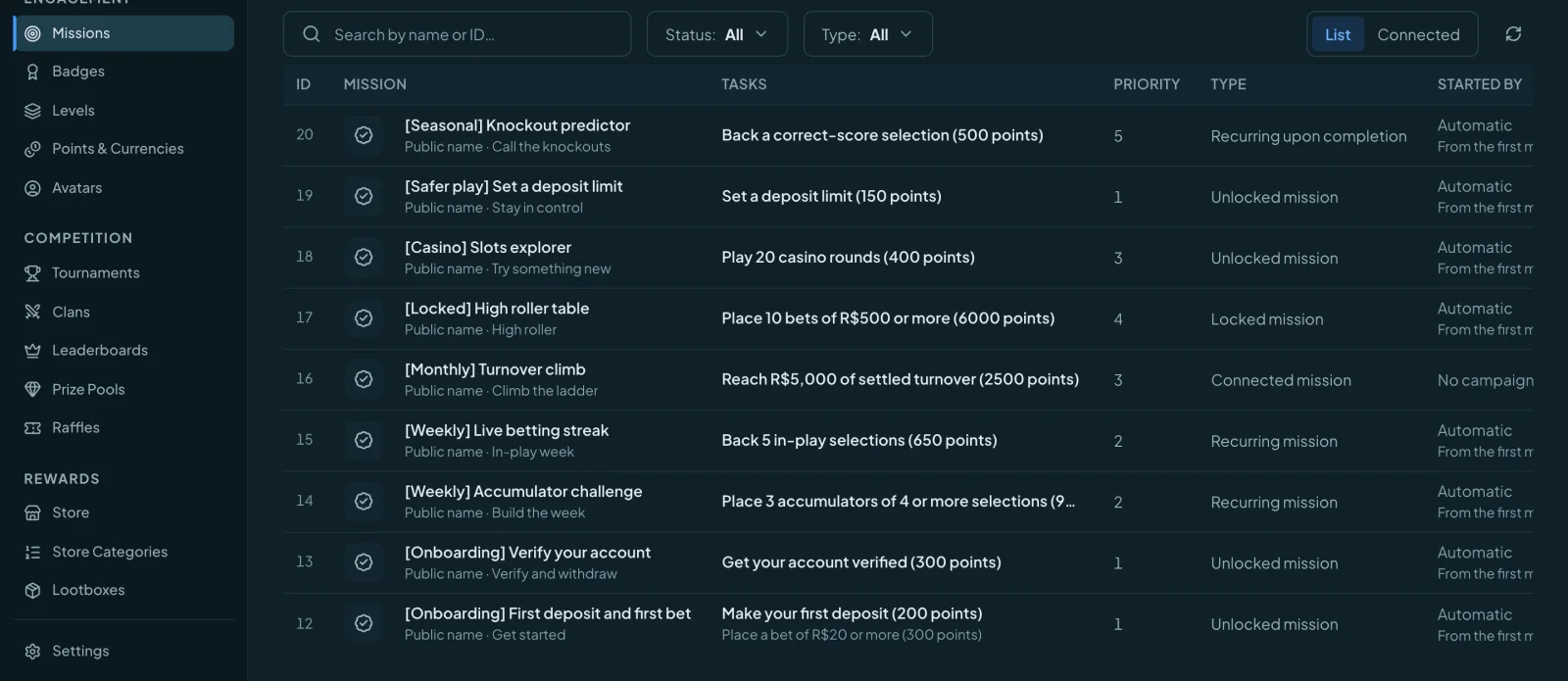
Start from their own trigger or connect a mission to a campaign. Define what qualifies, play limits and the reward for completion.
Give players goals, progress, recognition and rewards — all connected to the CRM that knows their next move.
Available with every Orbit plan.
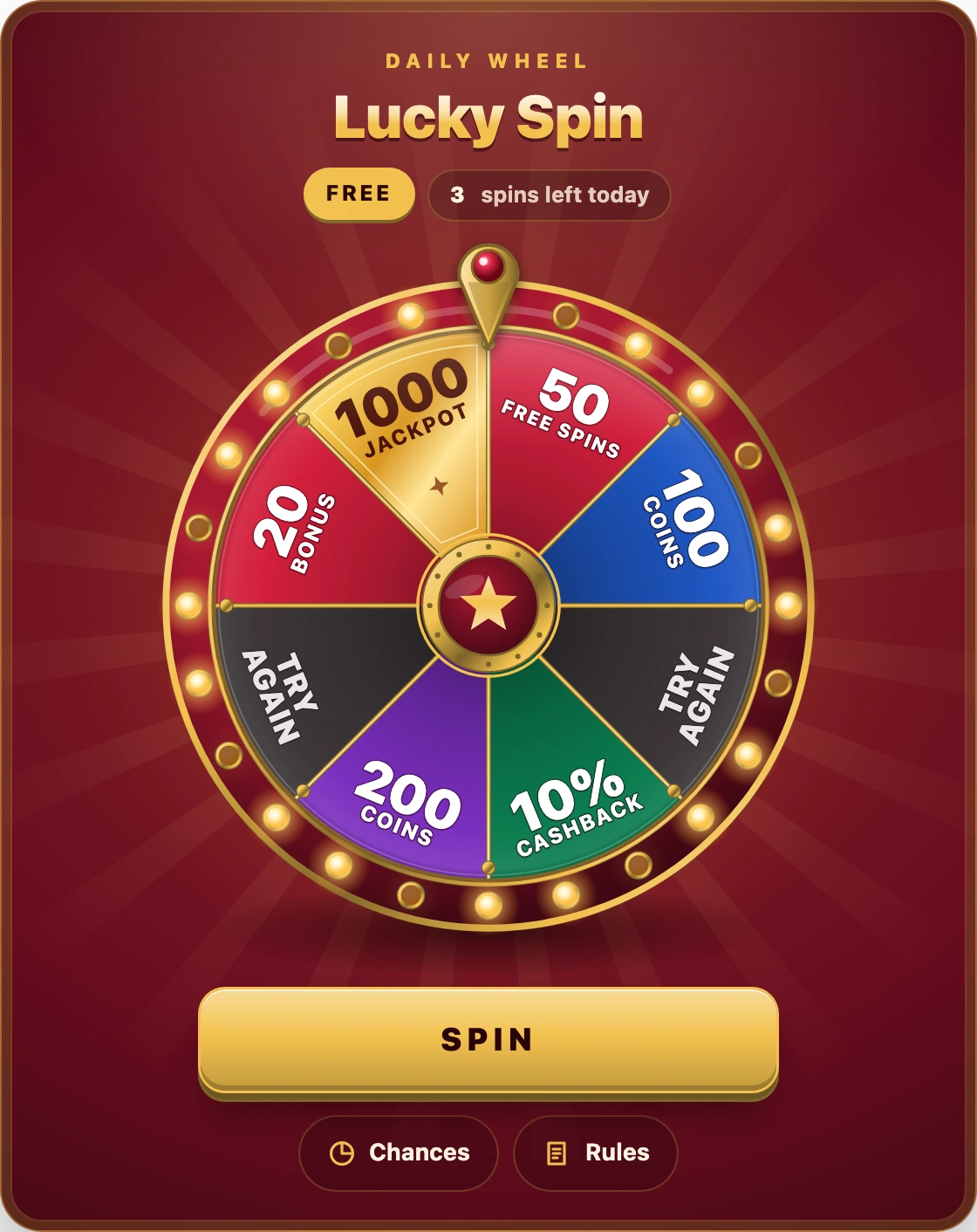
Choose a theme and try the player experience.
Connect everyday player activity to missions and a progression path. Make each completed goal part of a bigger journey.
Start from their own trigger or connect a mission to a campaign. Define what qualifies, play limits and the reward for completion.
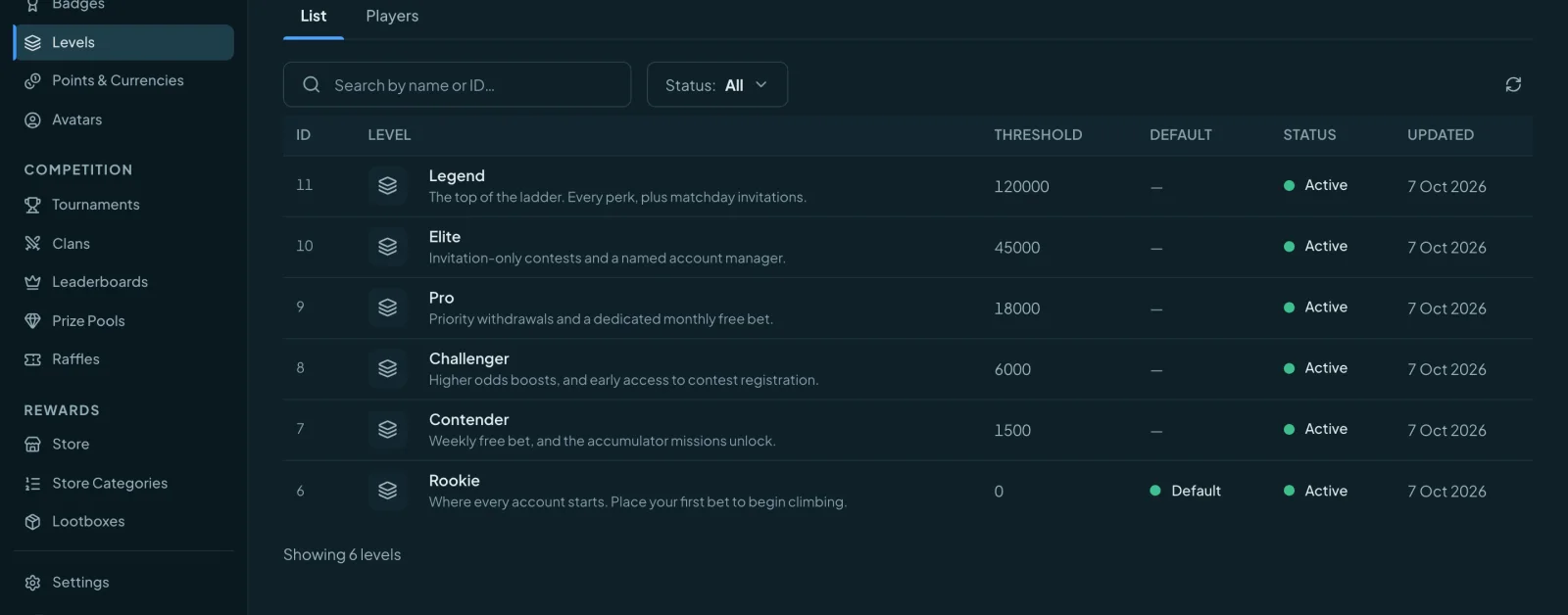
Build levels and numbered sublevels, with benefits tied to each level. Give players a visible path through your programme.
Choose the events and properties that earn points. Shape progression around the behaviours your programme recognises.
Missions and levels appear in the gamification widget, directly on your site. Open the player view and explore it yourself.
XP measures progression. Coins give players spending power. Keep the two roles distinct as you build your loyalty programme.
Your events + earn rules
Progress & level benefits
Choice & redemption
Organise categories and items. Let players spend Coins on rewards, with orders managed in Orbit.
Use bonus templates and dynamic rewards alongside cashback, rakeback and custom formulas.
Configure custom currency records alongside the distinct XP and Coins roles in your programme.
Give players a place to compete, follow their standing and discover the next prize. Manage the rules and results in one place.
Set qualification and scoring rules. Organise competitions, standings and prizes around your player activity.
Configure prize pools, follow winners and manage prize runs as part of the same reward operation.
Build match games, quizzes, raffles and prize drops into your gamification catalogue.
Wheel, Scratch card, Coin flip, Pick a box and Vault. Create the look, define the rules and connect the outcome to a reward.
Jackpot, Luxury, Studio, Neon LED, Arena and Pearl. Explore the live Coin flip and Scratch previews above.
Choose a game & themeA mini-game editor with a live player canvas and Look controls. Adjust the visual experience as you build.
Lootboxes with individual opens by day, hour or trigger, plus bought chances. Review outcomes in Game Results.
Recognise achievement and give players ways to express themselves, with the same brand language across your on-site experience.
Create badges for achievements and make recognition part of the player’s progression.
Manage player avatars with a dedicated avatar editor. Build an identity catalogue for your brand.
Create clan records, artwork and membership settings in the backoffice.
Connect the pieces, tune the experience and follow what players actually do.
The Gamification map connects missions and levels so the structure is visible.
Custom sections and themed Front Script widgets bring the programme onto your site. Deep links take players directly to the experience.
Activity log, player reports and game results give your team the detail behind participation.
Explore the journeys, player experiences and rewards you could build with Orbit.